 Dotmira
Join waitlist
Every photo, once.
The best shot, kept.
Dotmira finds duplicate and look-alike photos on your Windows PC, suggests the highest-resolution copy to keep, and removes only the copies you check.
You're on the list.
We'll email you when Dotmira is ready to try. No spam, unsubscribe anytime.
One email at launch, plus the occasional Early Access invite. No spam.
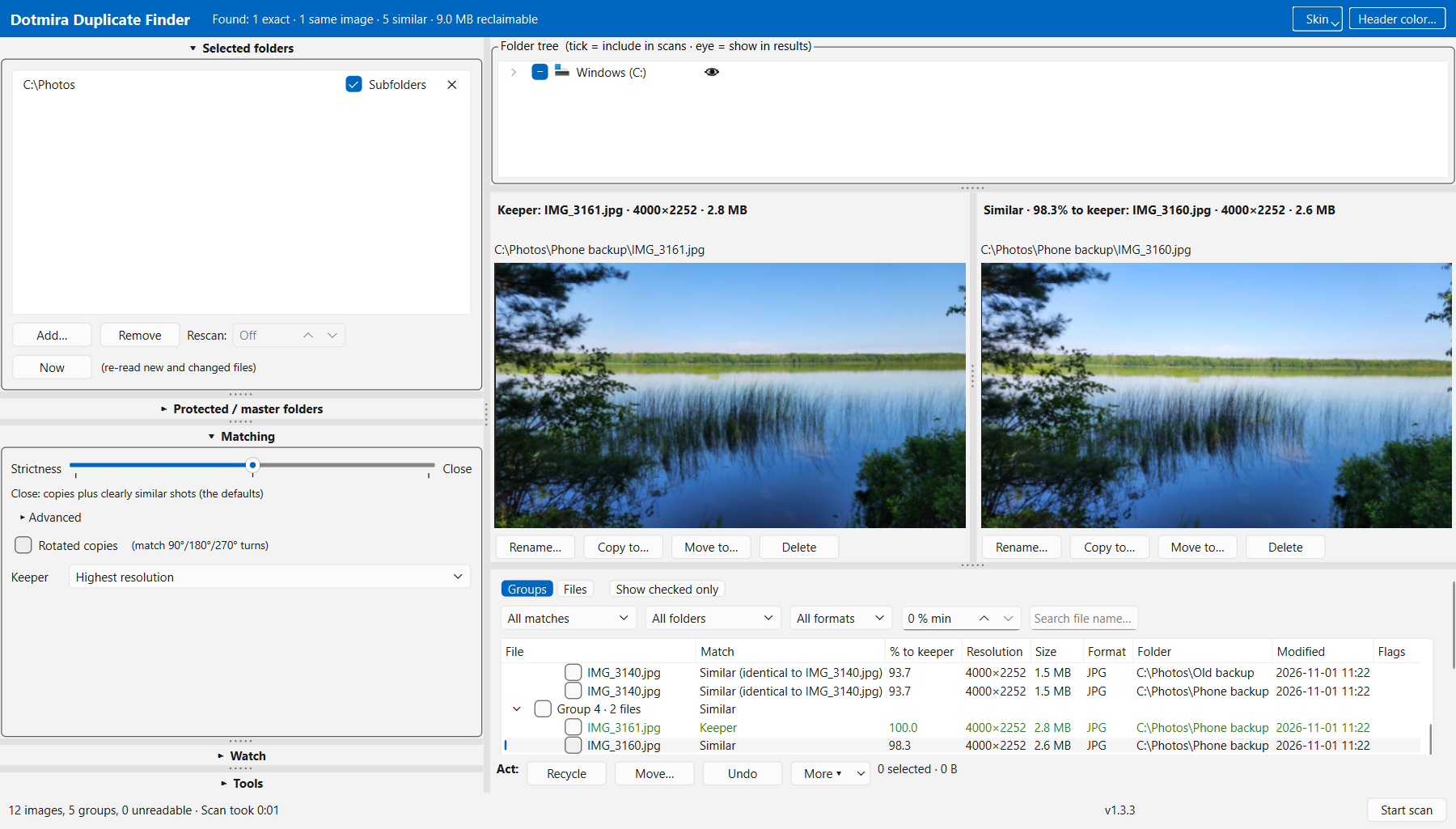
See it in action
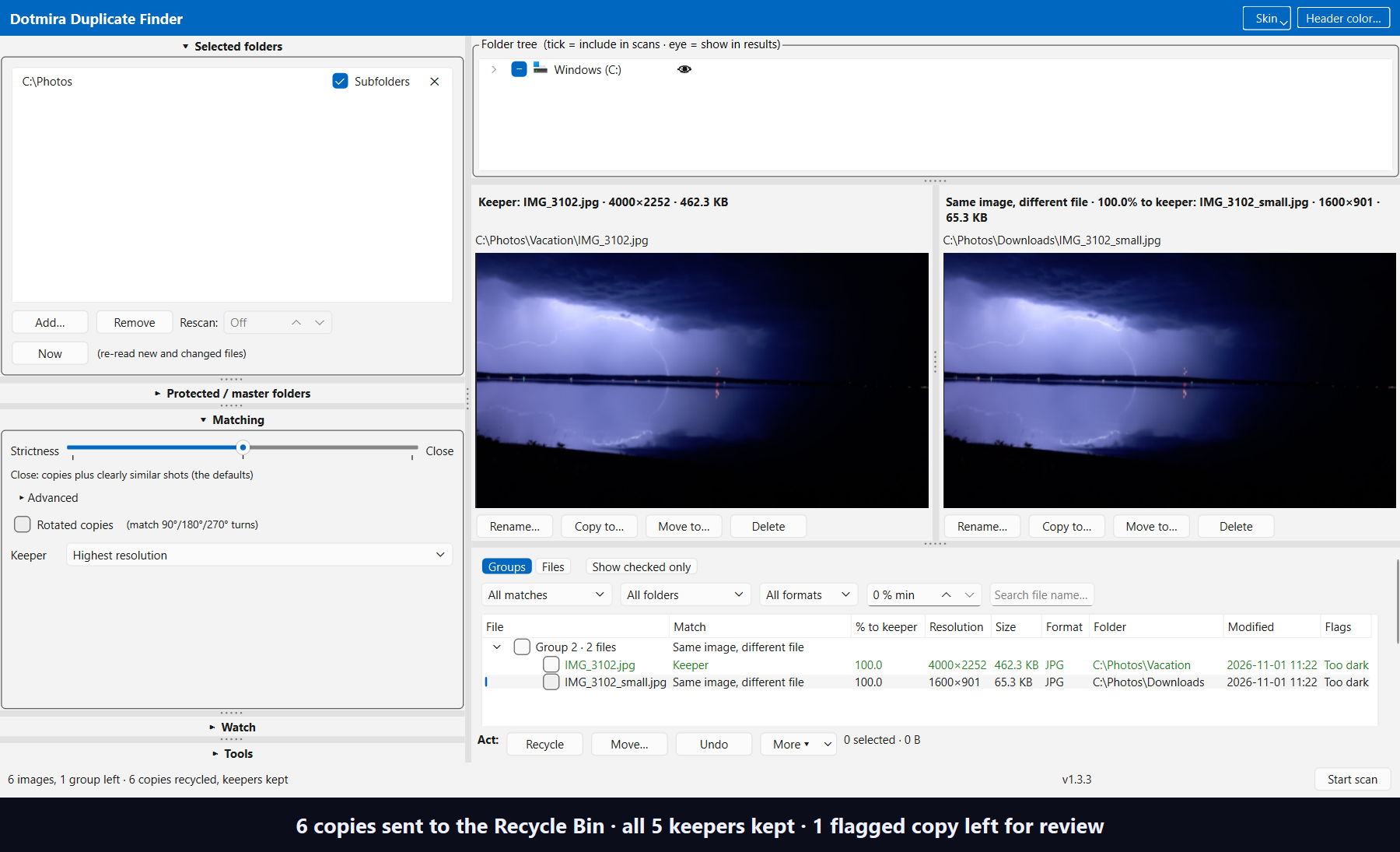
Screenshots from a Dotmira 1.3.3 development build on Windows, using sample photos.
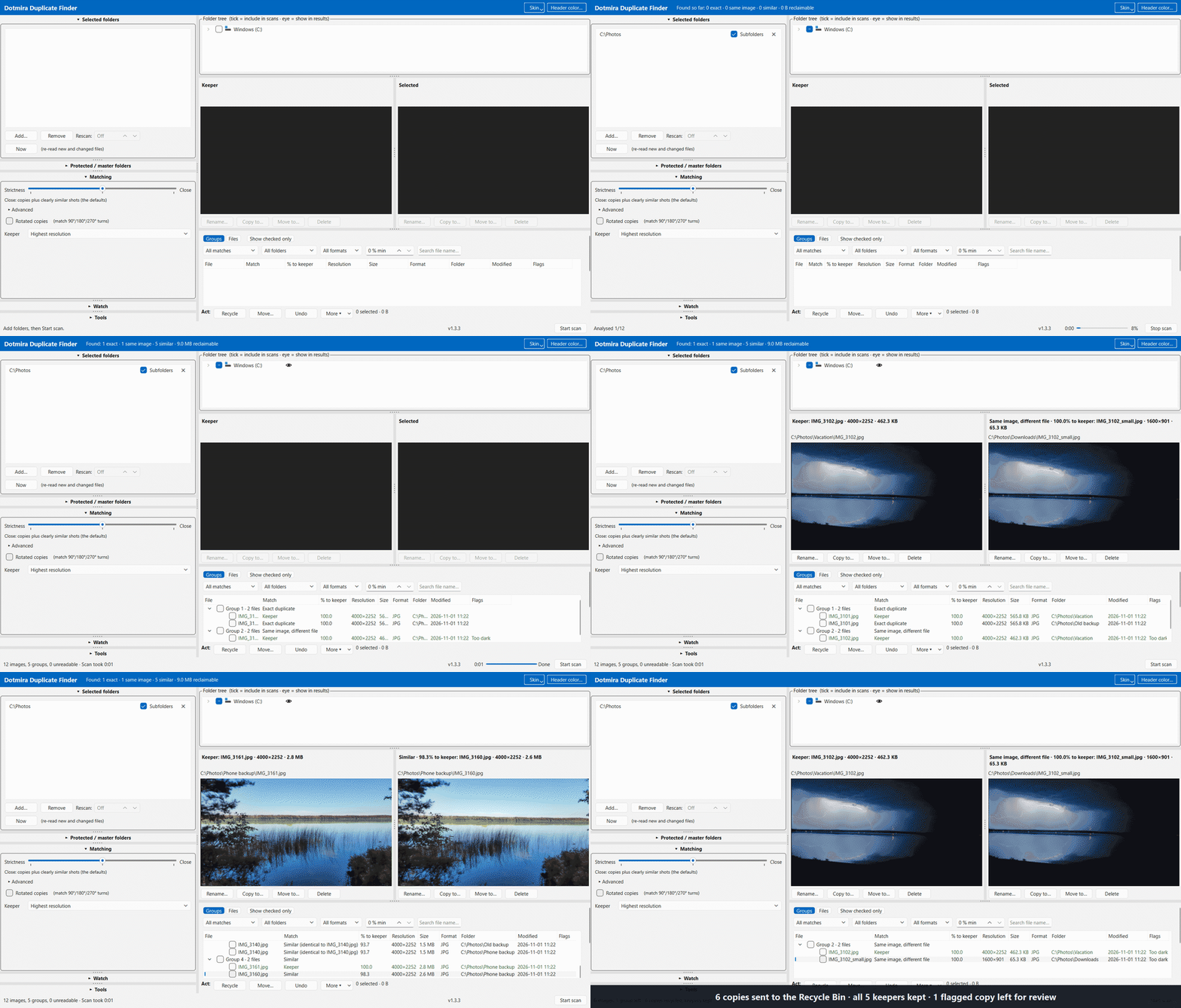
Built around three promises
What Dotmira does today, in development builds. Details may change before launch.
Safe by default
Nothing is pre-checked, and nothing goes unless you check it. Removed photos go to the Recycle Bin, with undo. Coming in 1.3.4: move extras to a folder you choose, with Restore.
Works on your formats
JPEG, PNG, BMP, GIF, WebP, TIFF, HEIC/HEIF and many RAW formats (CR2, CR3, NEF, ARW, DNG, ORF, RW2, RAF and more). Scan one folder or a whole drive. HEIC needs Microsoft's HEIF and HEVC codecs, and Dotmira tells you if they're missing. Photos only; no video.
Finds more than exact copies
Exact copies, the same image resized, re-saved or converted to another format, and similar shots such as edits and bursts, matched by an AI model that runs on your PC. It suggests the highest-resolution copy to keep.
How it works
Three steps, and your photos never leave your PC.
Pick folders
Choose your Pictures folder, an old backup, or an external drive.
Review groups
Dotmira groups duplicates and look-alikes side by side and marks a suggested keeper: the highest-resolution copy by default.
Clean up safely
Check the extras you want gone and send them to the Recycle Bin, with undo. Dotmira estimates how much space those copies take up. Coming in 1.3.4: move extras to a folder you choose with Restore, and a count of the space actually freed.
Planned pricing
Planned pricing, subject to change. Nothing below is available yet.
We plan a free version and a one-time Pro upgrade, with no subscription. Prices will be announced at launch.
For everyday cleanup.
- Exact and similar photo detection
- Safe cleanup with undo
For big libraries and power users.
- Everything in Free
- Waitlist members hear about launch pricing first
FAQ
When will Dotmira be available?
It's in active development. Join the waitlist and we'll email you when it's ready to try. We don't have a public date yet.
Is it Windows only?
Yes. Dotmira is built for 64-bit (x64) Windows. ARM-based Windows PCs aren't supported natively.
Will it delete my photos?
Not without your say-so. Nothing is pre-checked, and Dotmira never checks a keeper for you. Only the copies you check are removed, and they go to the Recycle Bin, with undo. Coming in 1.3.4: a folder you choose, with Restore.
Do my photos get uploaded anywhere?
No. Dotmira scans your files on your PC, and its AI model runs on-device too. It doesn't upload your photos or send usage data.
How much will it cost?
We plan a free version and a one-time Pro license, not a subscription, but that may change. Pricing will be announced at launch, and the waitlist hears first.
Can I help test it?
Yes. Join the waitlist and we'll reach out when Early Access spots open.
Does it work with video?
No. Dotmira works with photos only.
What will you do with my email?
Only use it to tell you about Dotmira's Early Access and launch. We won't sell or share it, and you can ask to be removed anytime.
Be first to try Dotmira
Join the waitlist for Early Access invites and launch pricing.
You're on the list.
We'll email you when Dotmira is ready to try.